The focused Markdown reader for Mac
Open any .md file, read it cleanly, switch to edit mode with live preview, and export to PDF — all without installing an IDE.

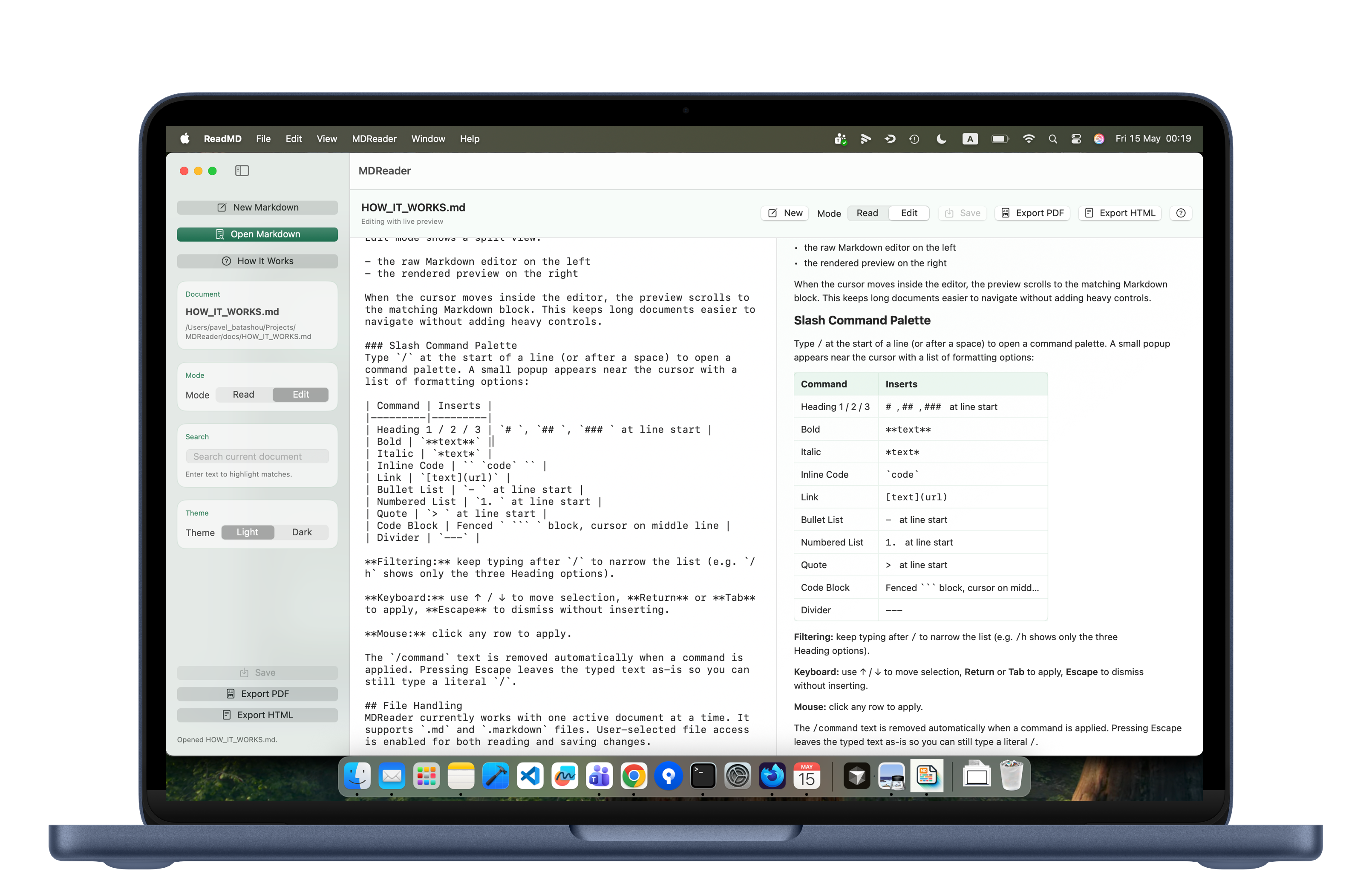
Markdown tools are either too heavy or too basic.
Here's what MDReader fixes.
Your IDE is overkill for a README
MDReader opens in seconds. No project setup, no plugins — just drag in a .md file and read.
Markdown syntax you constantly forget
Type / to open the slash command palette. Pick headings, lists, code blocks, links — no syntax memorization.
Cloud tools that demand an account
MDReader works fully offline. No account, no sync, no subscription. Just your files on your Mac.
How it works.
Simple by design. Powerful where it counts.
Clean Read Mode
Renders headings, paragraphs, lists, tables, code blocks, and quotes in a calm, distraction-free native view. Click links, see images — everything rendered exactly as intended.
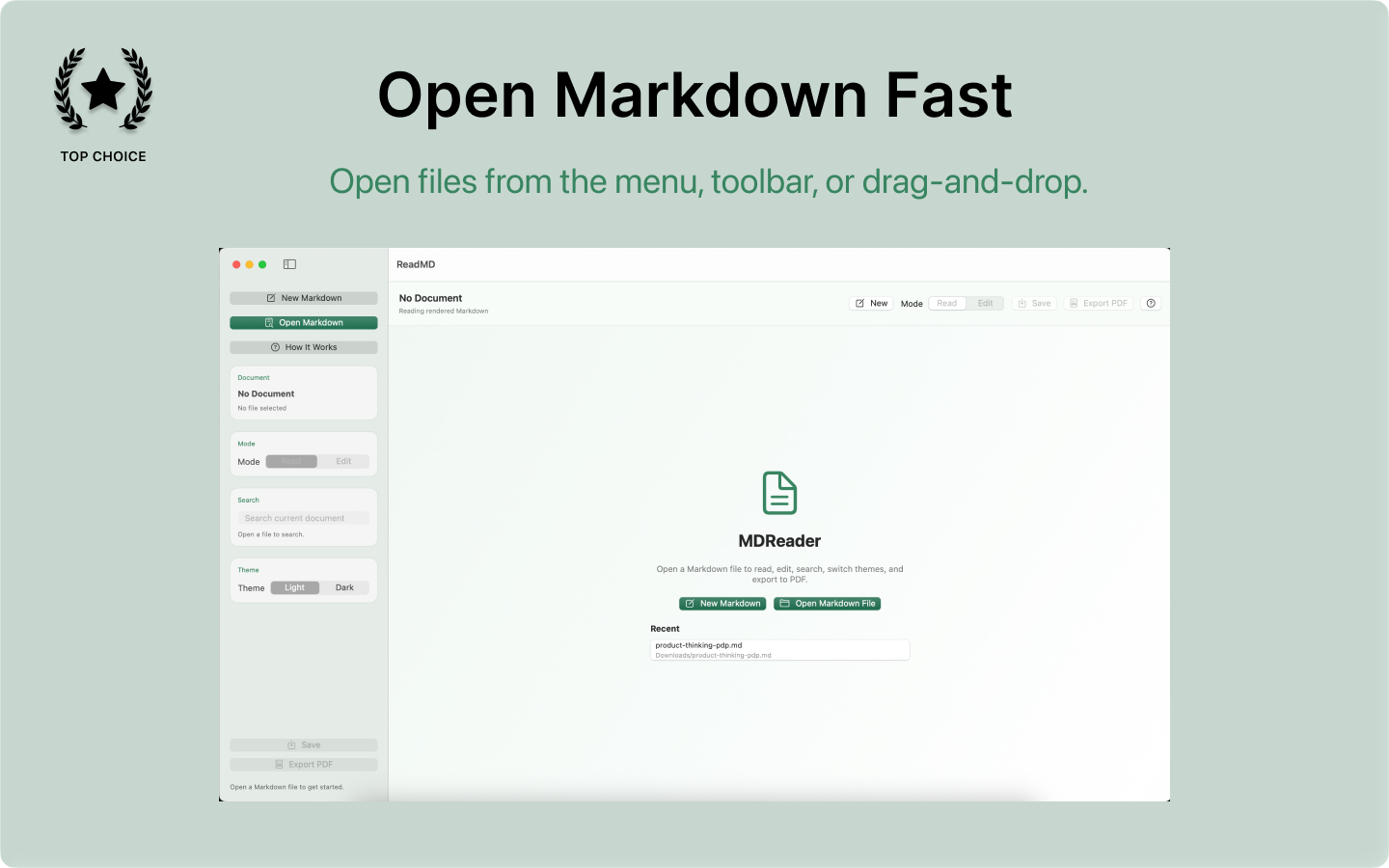
Live Preview as You Type
Raw Markdown editor on the left, rendered preview on the right. Move the cursor and the preview scrolls to the matching section — no manual syncing needed.
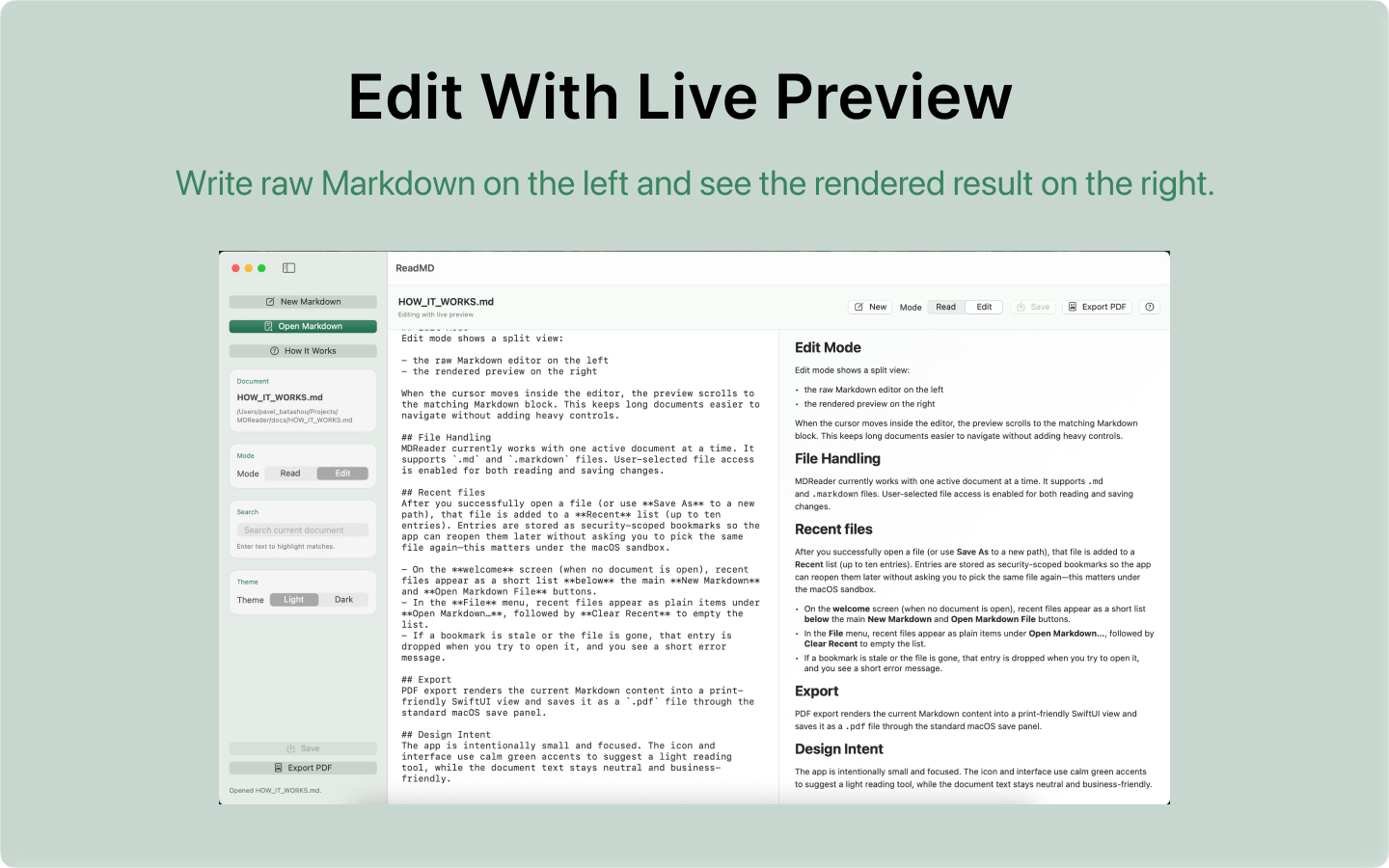
Slash Command Palette
Type / at the start of a line to open a formatting menu. Insert headings, bold, italic, lists, code blocks, links, and more — no Markdown syntax knowledge required.
PDF & HTML Export
Export your rendered Markdown as a clean PDF or a self-contained HTML file. HTML export bundles local images automatically so the result is portable.
Fully Local, No Account
Files never leave your Mac. No sign-up, no cloud sync, no telemetry. Open a file, work, save — nothing else involved.
Built for the way you actually work.
Opens in seconds
No project setup, no extensions. Drag a .md file in and start reading immediately.
Private by design
Nothing leaves your Mac. Ever. No accounts, no cloud, no data collection.
Format without learning Markdown
The / command palette inserts any element with a click. No syntax memorization.
Export to PDF or HTML
Share Markdown documents as clean, portable files — no dependencies required.
Who is this for?
Developers
Read README files, specs, and documentation without opening your full IDE.
Product Managers
Draft specs, meeting notes, and checklists in a focused, distraction-free workspace.
Writers
Write and format technical content and documentation with a calm native interface.